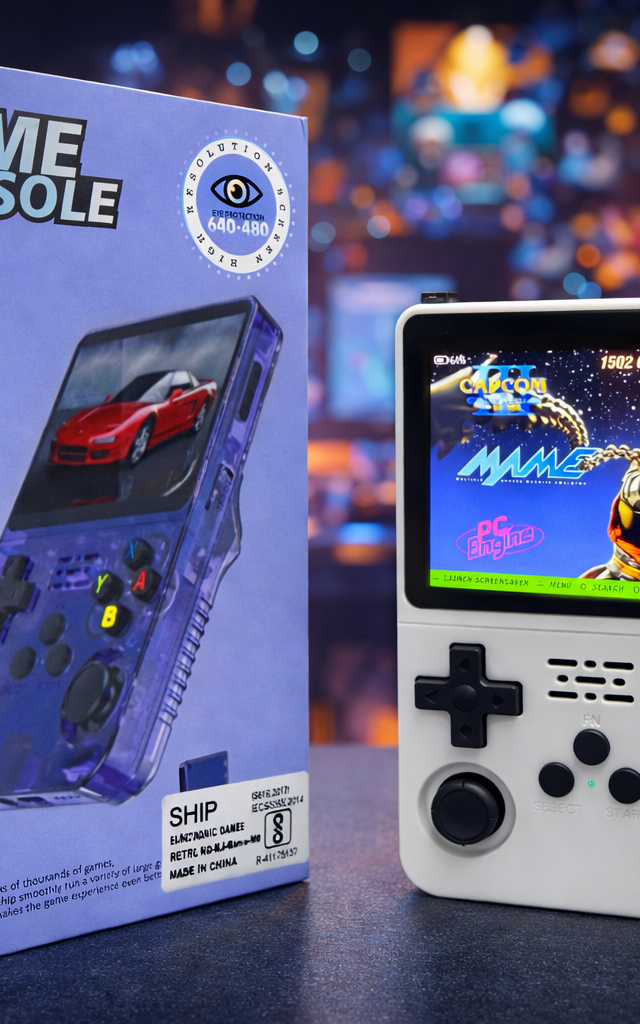
How to spot a genuine R36S (and why where you buy matters)
ConsoleDotHub guide
The R36S is one of the most-copied retro handhelds, so quality varies a lot between listings. Here is what a good unit looks like and how to buy without gambling.
What a good R36S does well
A good R36S has a crisp 3.5-inch IPS screen with even backlight, responsive dual analog sticks and buttons, and boots straight to an organised, by-system menu. It runs Linux and plays cleanly from 8-bit up to PlayStation 1. Weak copies tend to show dull or uneven screens, mushy controls, laggy menus, or PS1 games that visibly stutter.
What to check before and after you buy
Before: favour sellers who describe the actual unit (screen type, storage, what it plays) and offer a clear replacement if it arrives faulty — not just a stock photo and a price. After it arrives: check the screen for dead pixels and even brightness, test a PlayStation 1 game for smooth playback, and confirm both analog sticks and the shoulder buttons respond. A genuine, well-prepared unit feels solid and runs PS1 without constant slowdown.
Why the seller matters more than the label
Because look-alikes share the same name and packaging, your real protection is the seller, not the box. We quality-check every R36S before dispatch and back it with a 7-day dead-on-arrival replacement, with cash on delivery across India — so if something is wrong, it is sorted rather than your loss.
FAQ
Are all R36S units the same?
No — quality varies between sources. The screen, the controls and how smoothly PlayStation 1 games run are the giveaways. Buying from a seller who checks units and offers a replacement removes the risk.
What does a genuine R36S play?
NES, SNES, Game Boy, Genesis, arcade and most PlayStation 1 games run well. N64, Dreamcast and PSP are limited, and PS2 / GameCube are beyond it.